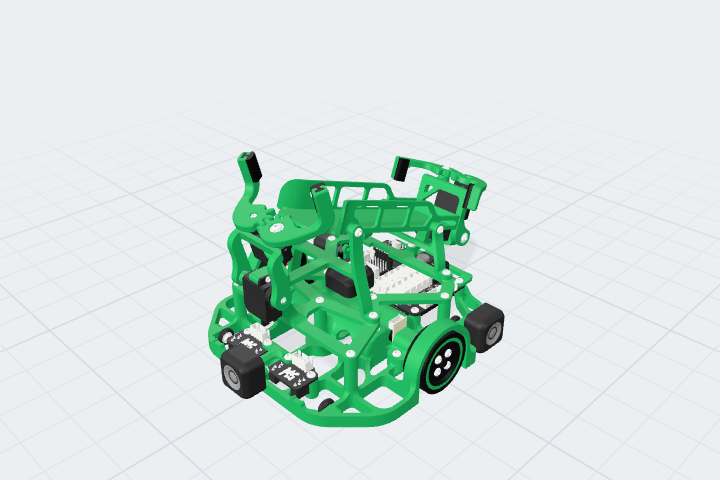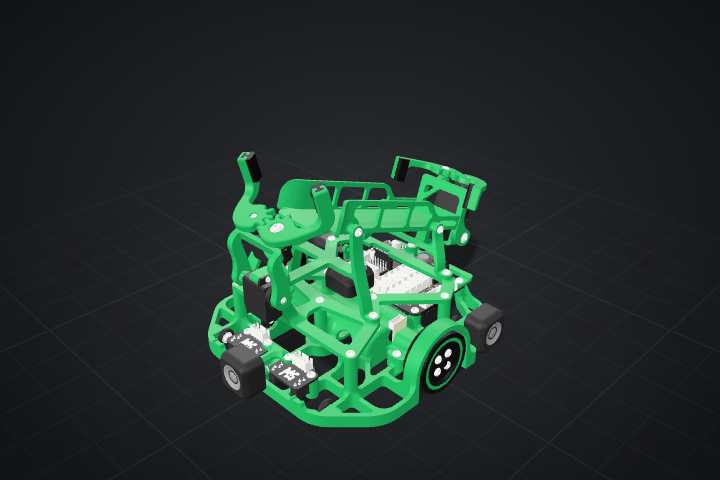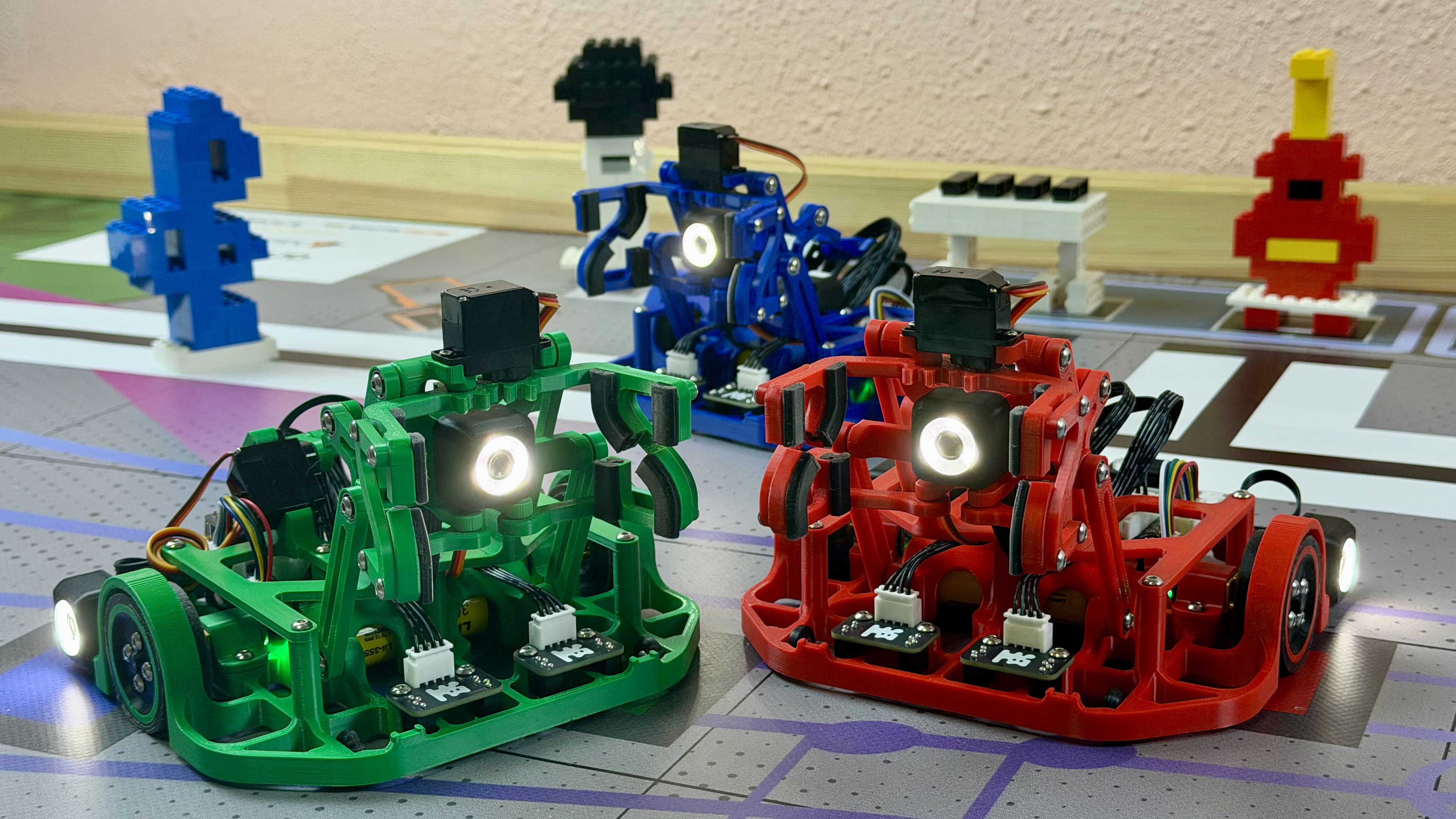
Little Robot
Build the robot from scratch and run your own program on the field. No electronics experience needed.
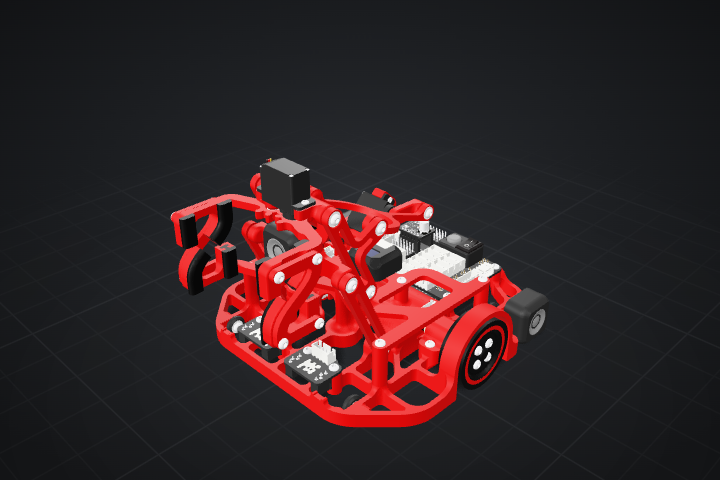
Little Robot in action


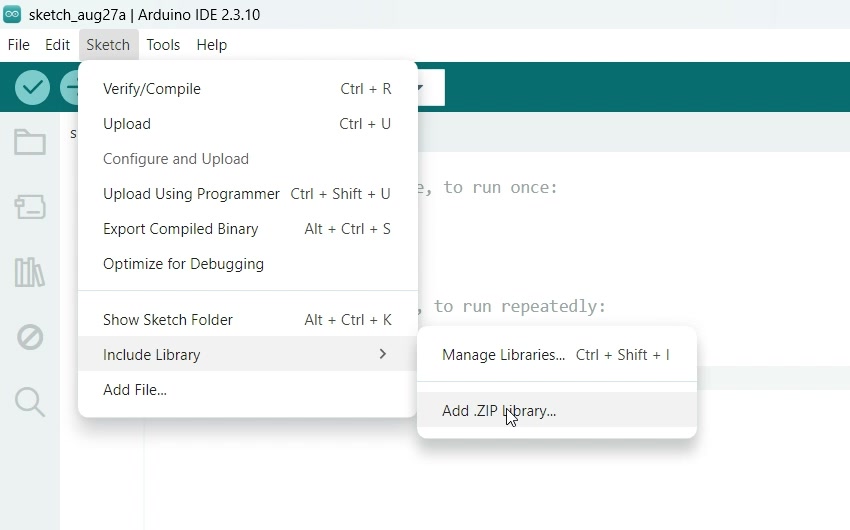
Build the robot yourself
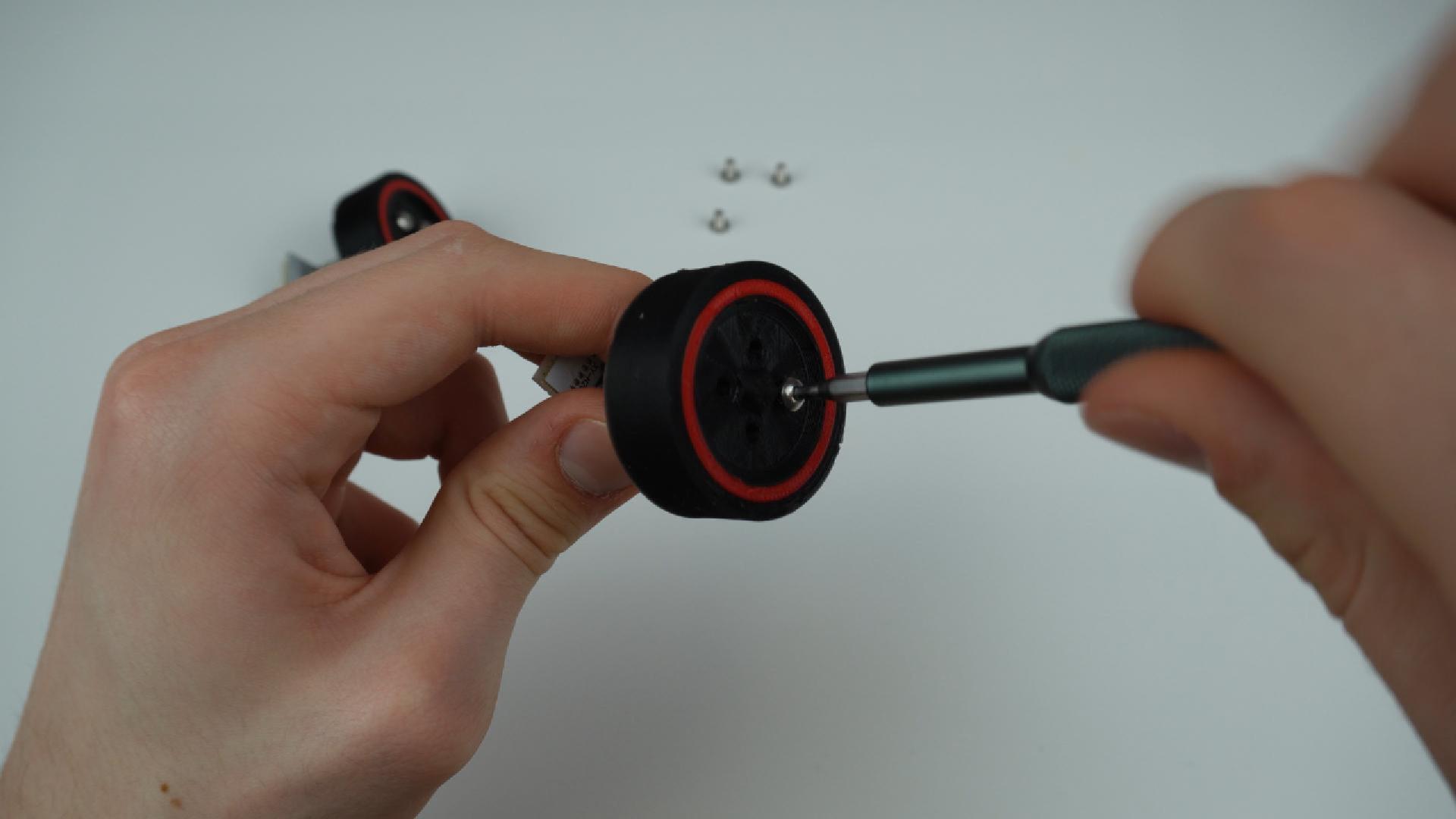
Open the box and pick up a screwdriver. We’ll show you where each part goes, how to connect the wires and how to upload your first program.
See the assembly guide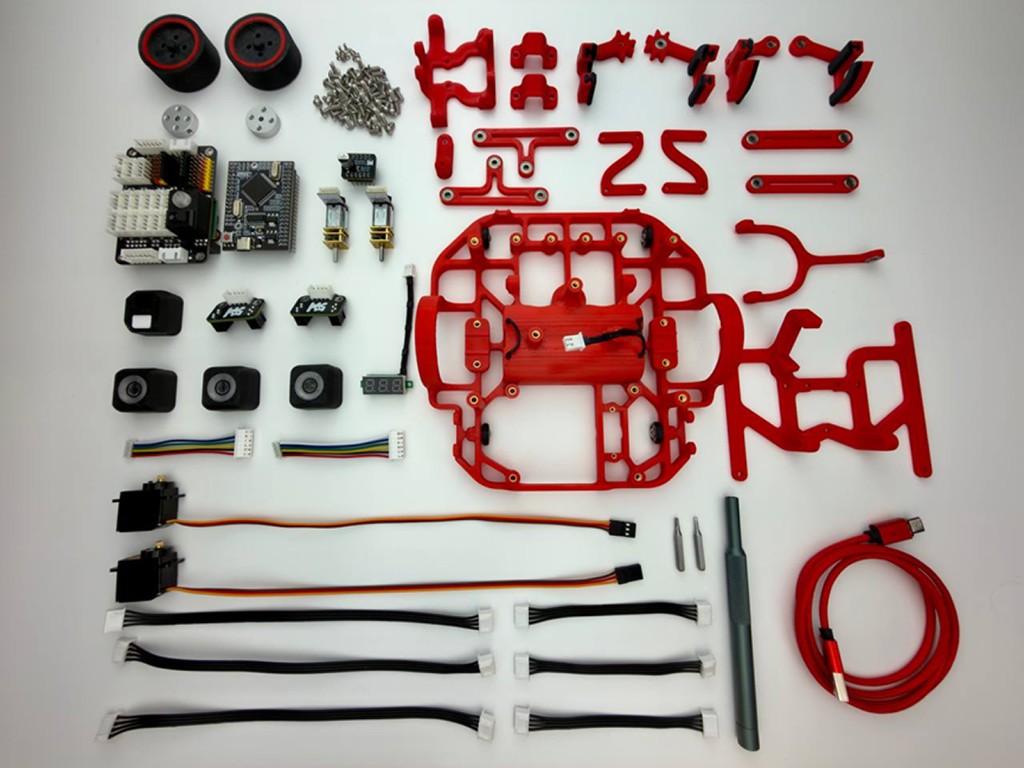
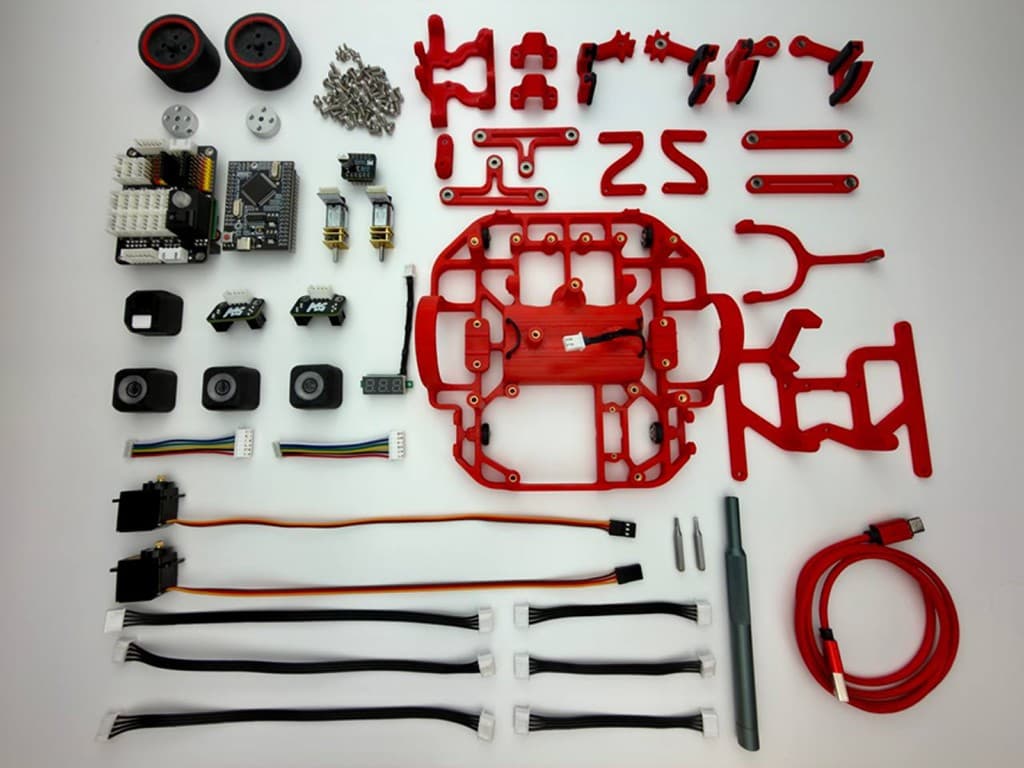
Nine lessons for your robot
Start with the basics and learn electronics and programming step by step on your own robot.
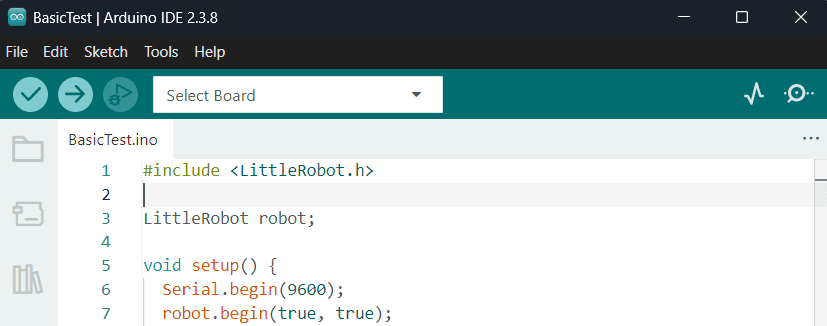
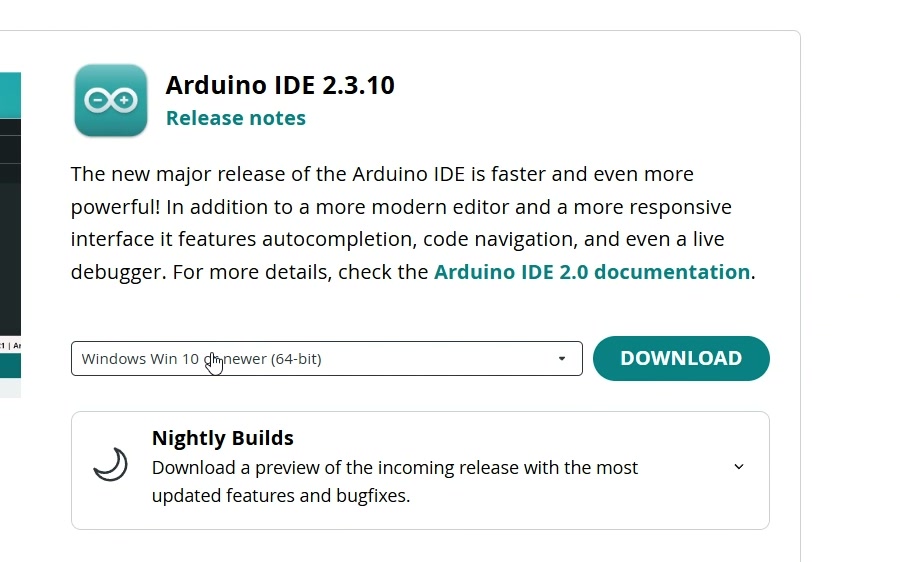
Arduino IDE
Upload your first program to the robot
C++ basics
Explore variables, conditions, loops, and functions
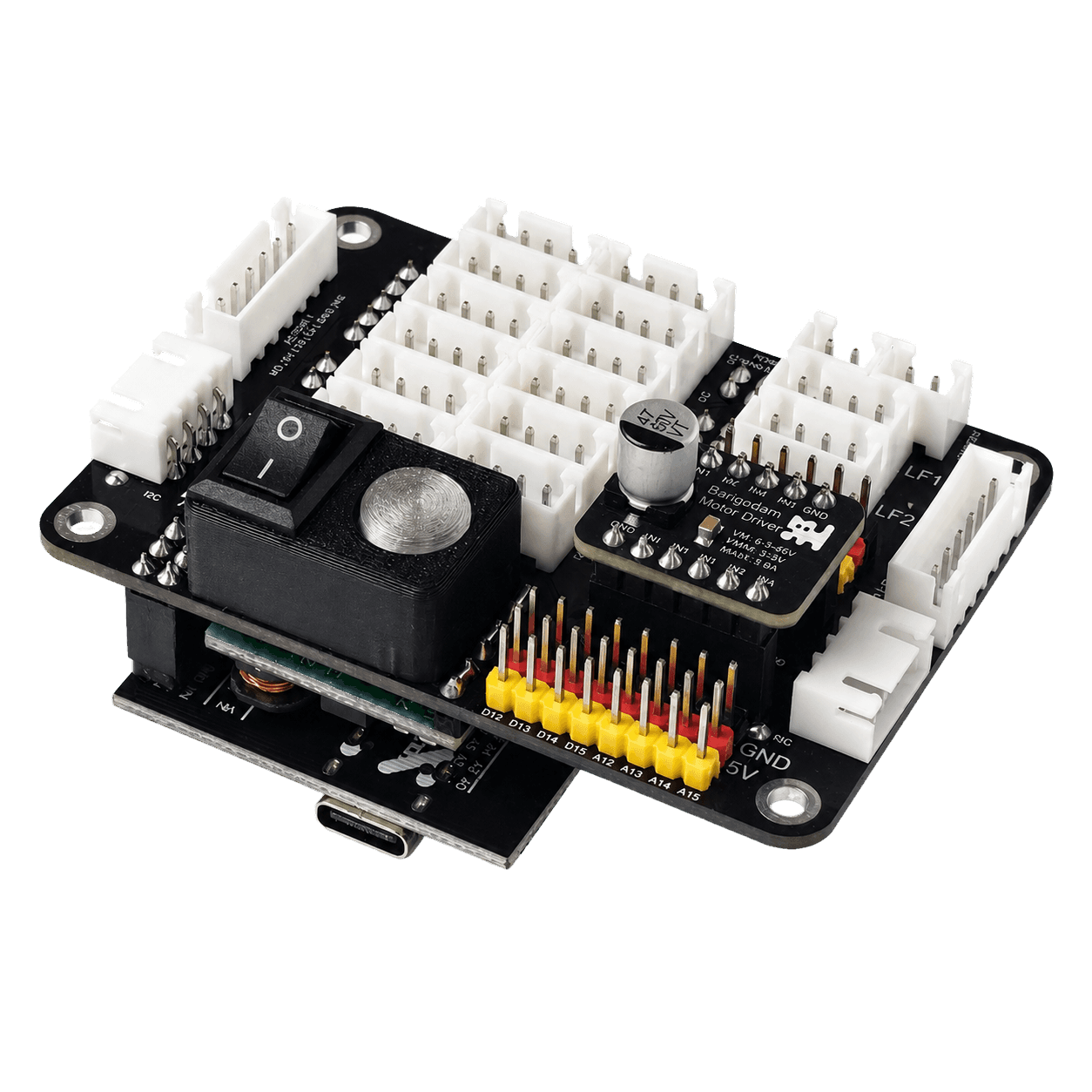
Pins and signals
Learn how modules connect to the Control Deck
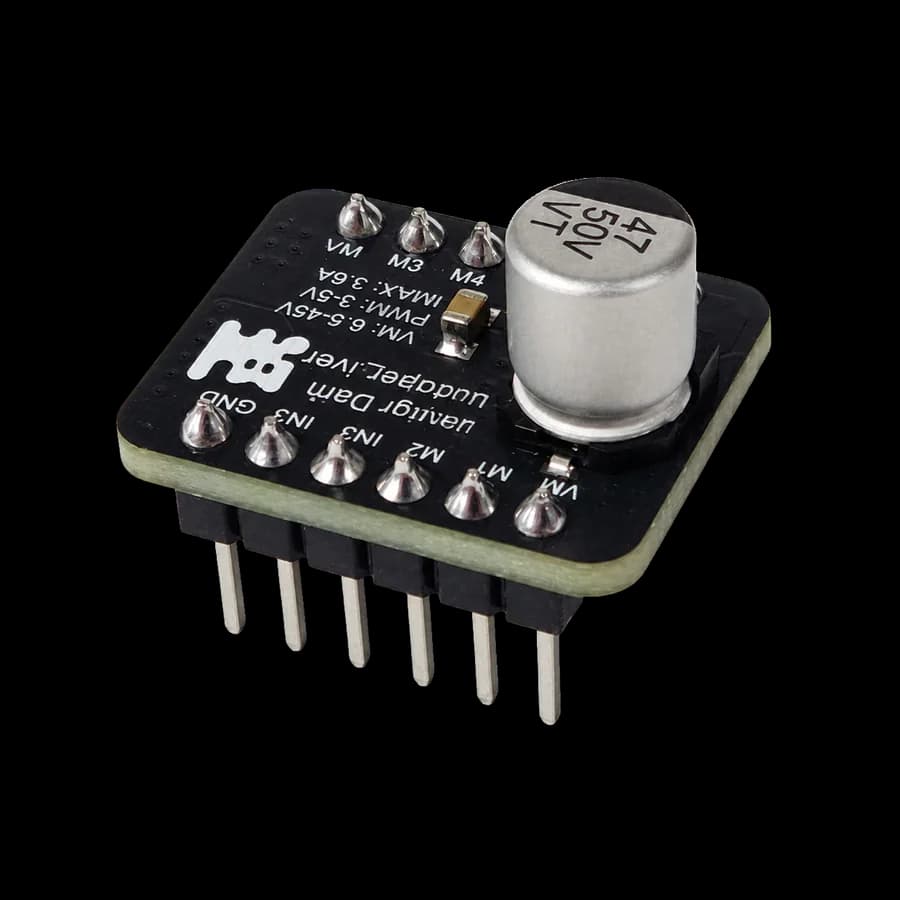
Motors and driver
Start the wheels and control their speed
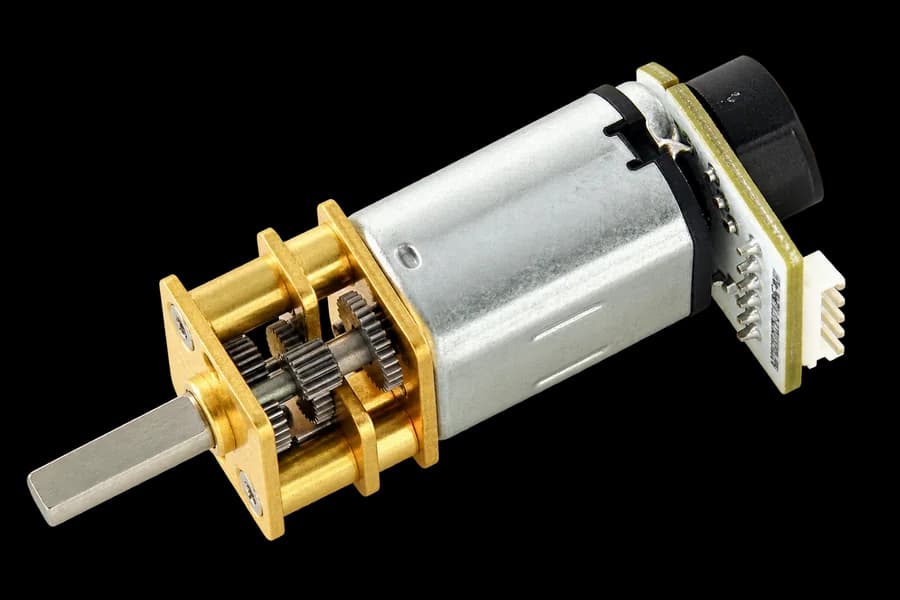
Encoder
Measure distance and make accurate turns
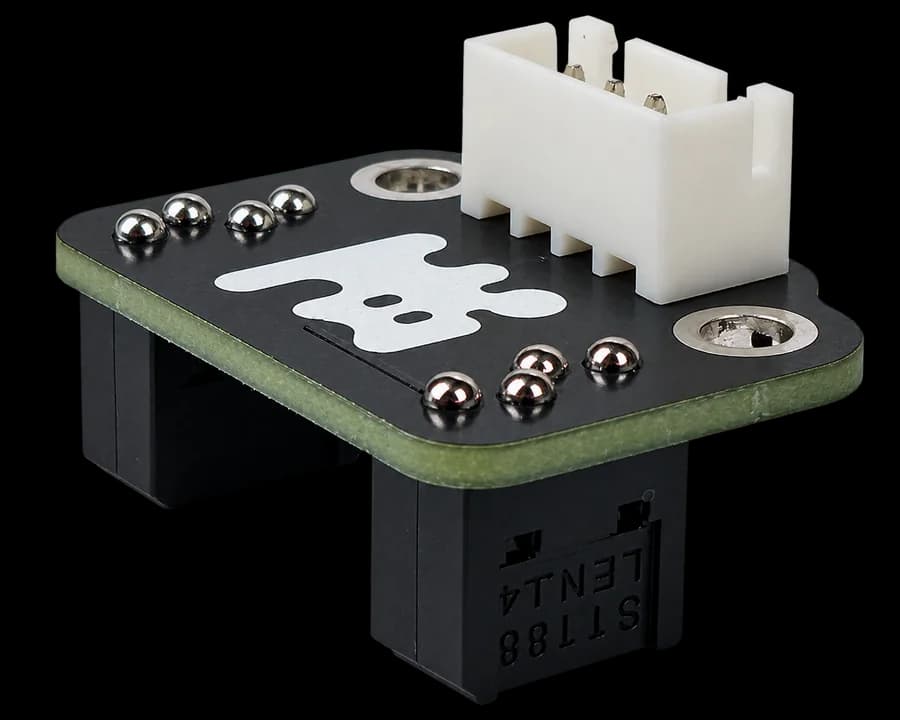
Line sensor
Teach the robot to follow a track
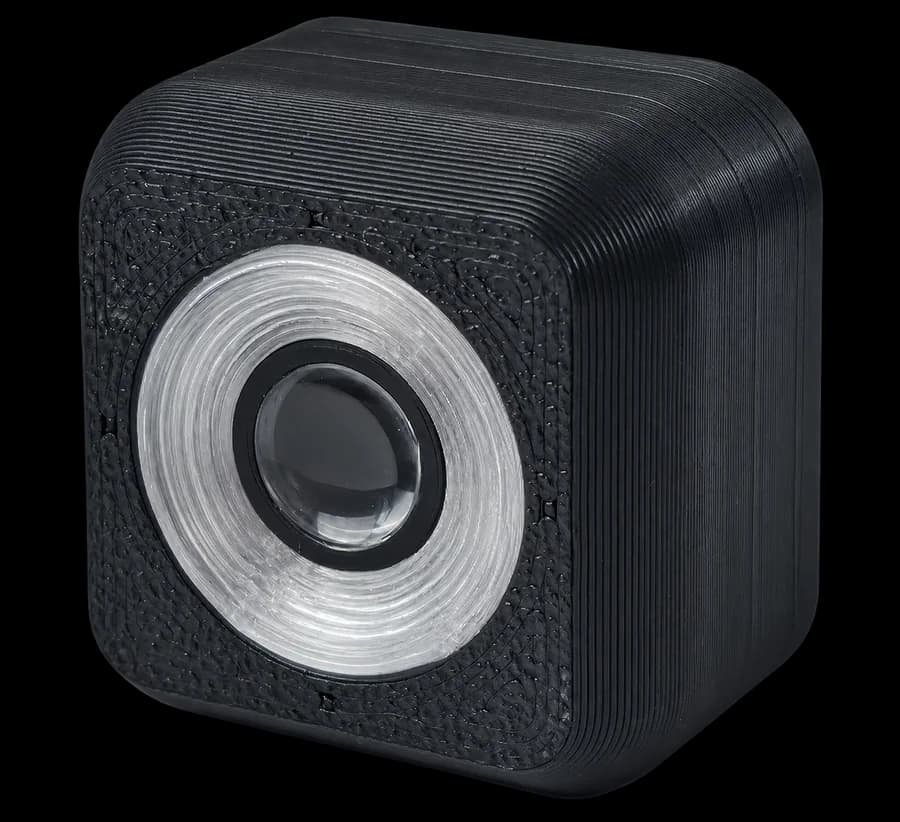
Color sensor
Recognize colors on objects and the field
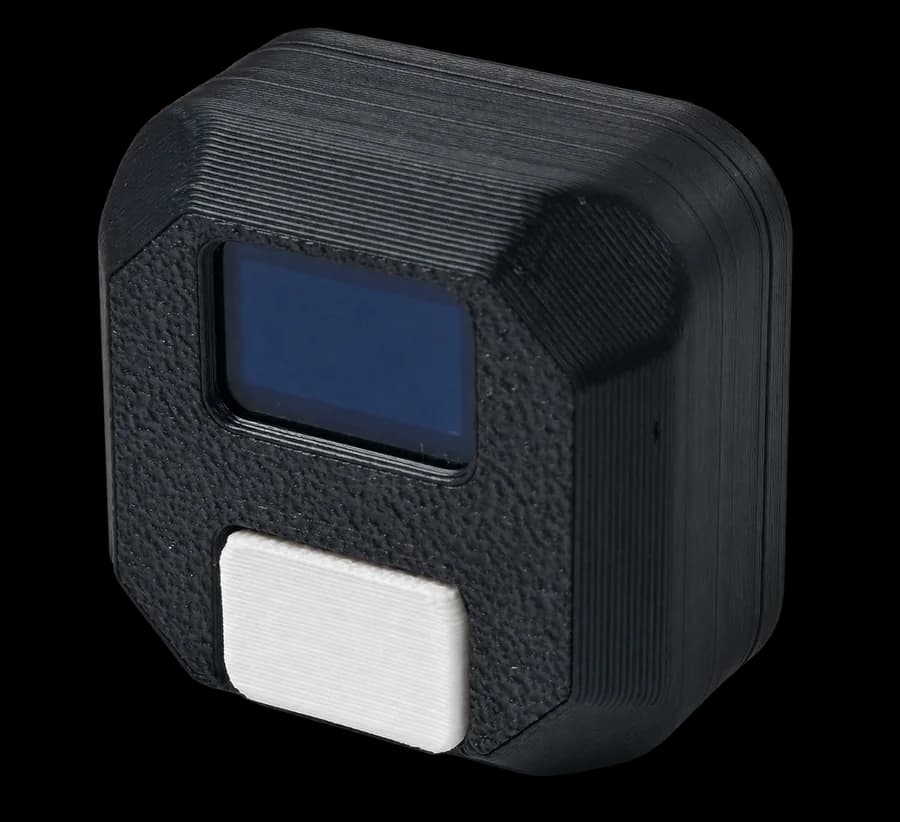
Motion sensor
Control the robot's direction and turning angle
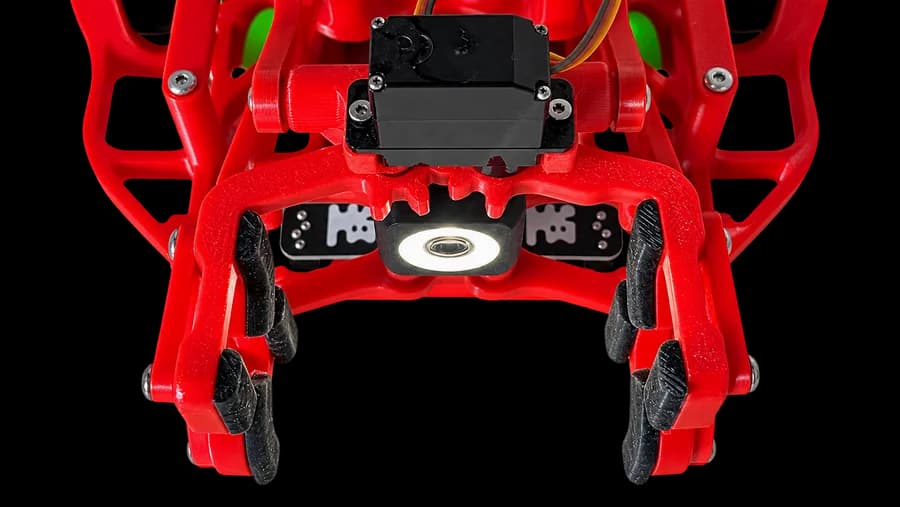
Servo and gripper
Pick up and carry objects
Write a program for your robot
Arduino IDE +Little Robot
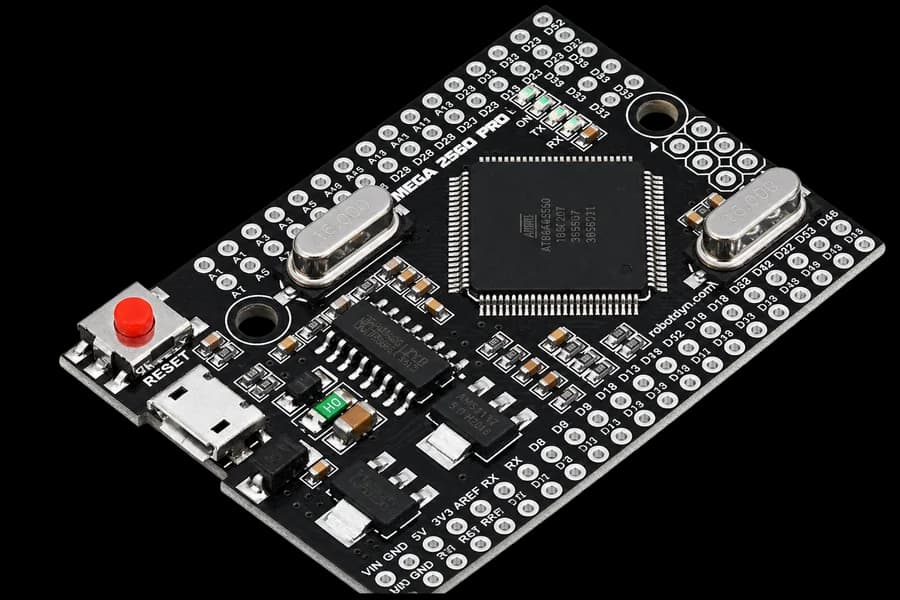
Little Robot works with Arduino IDE through its Arduino Mega-based board. Use the Little Robot libraries' ready-made commands to control motors, sensors and other parts.

#include <LittleRobot.h> LittleRobot robot; void setup() { robot.begin(true, true); robot.waitButtonPressRelease(); robot.MotorPower(1, 40); robot.MotorPower(2, 40); delay(1000); robot.MotorsBrake(); } void loop() {}
3D model library
Design your own parts.
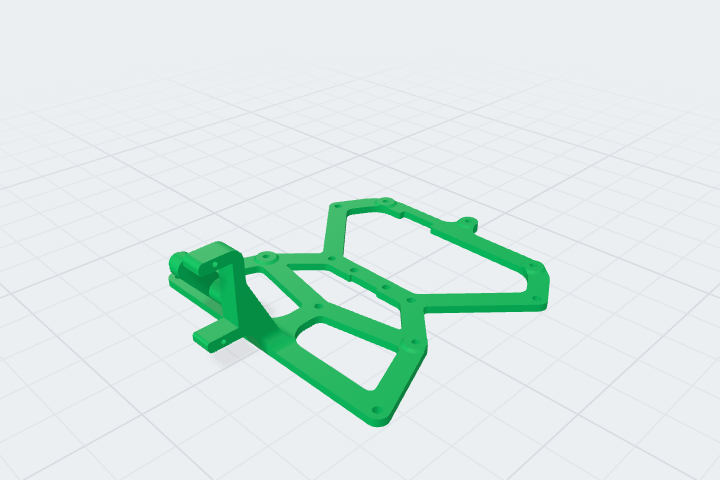
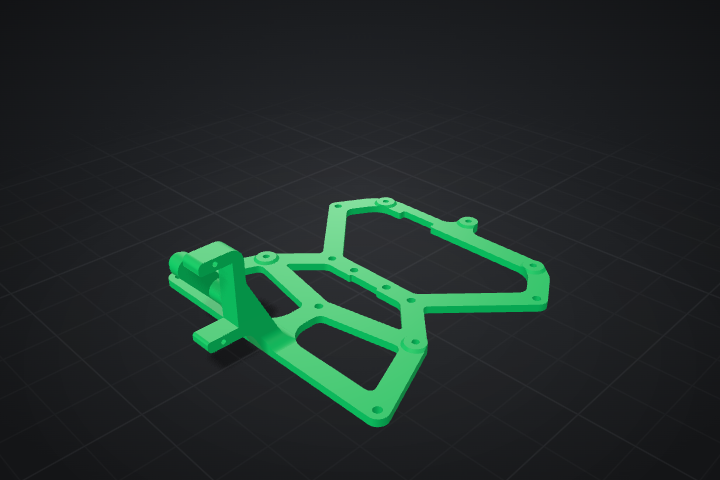
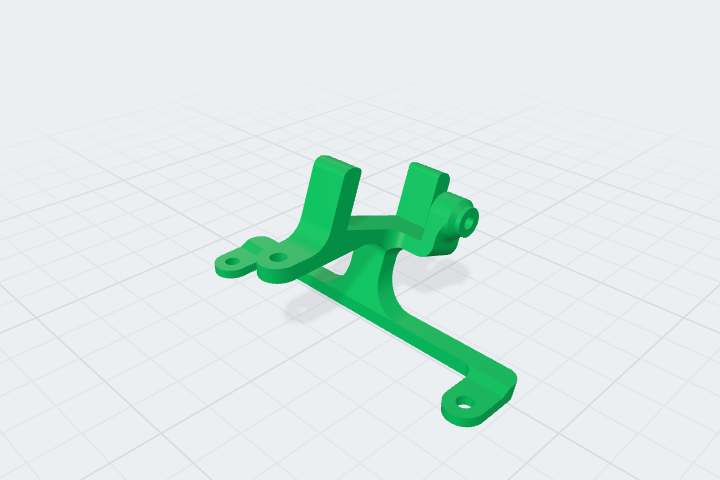
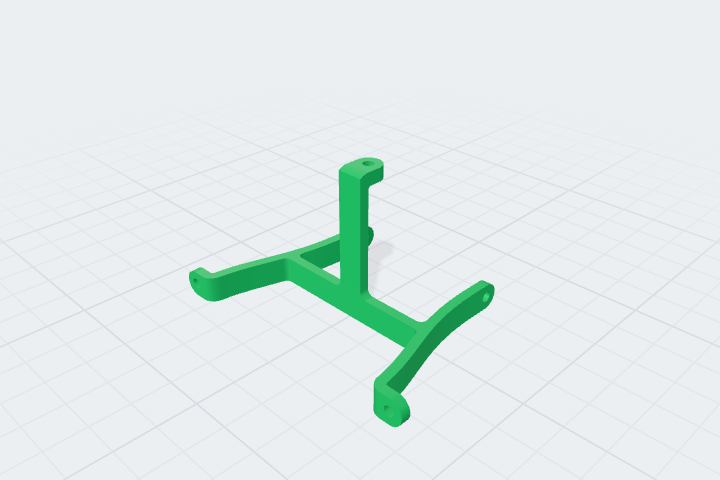
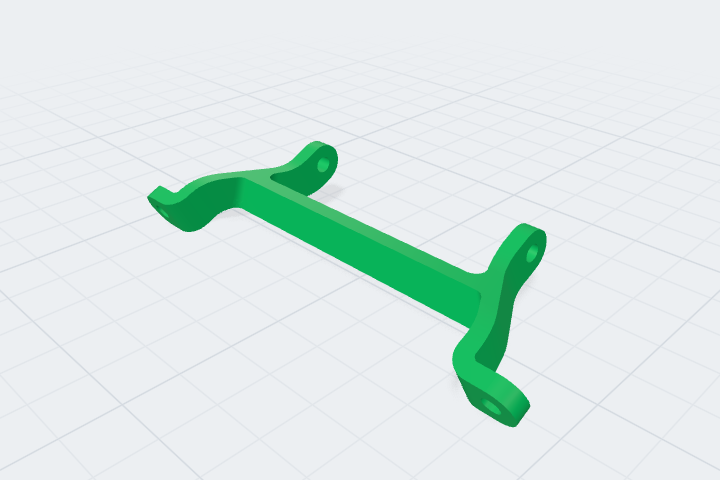
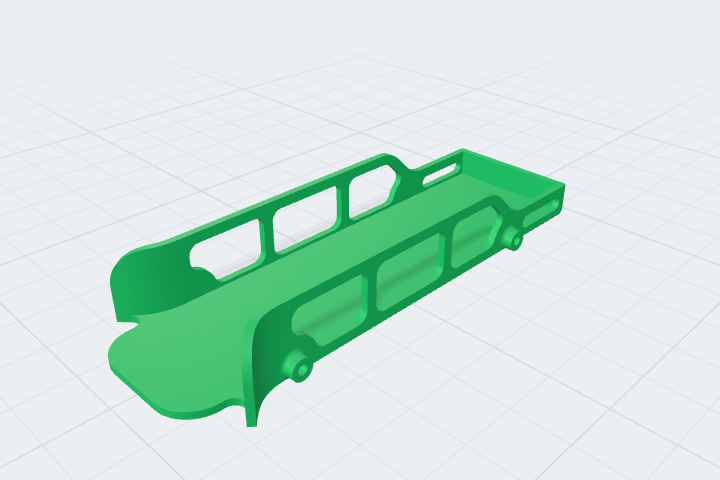
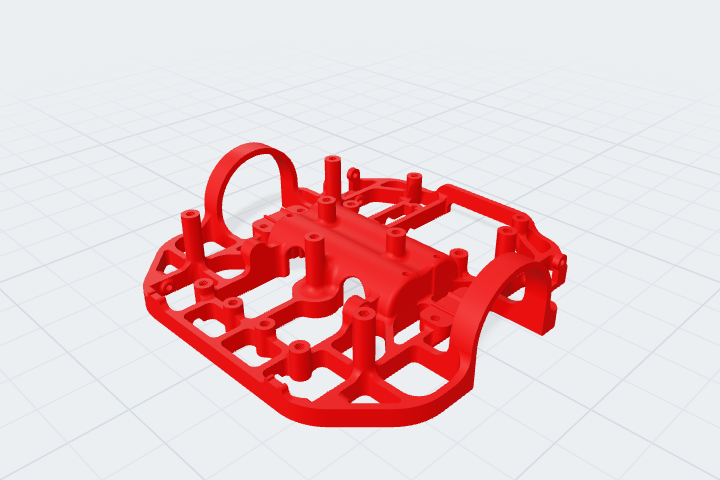
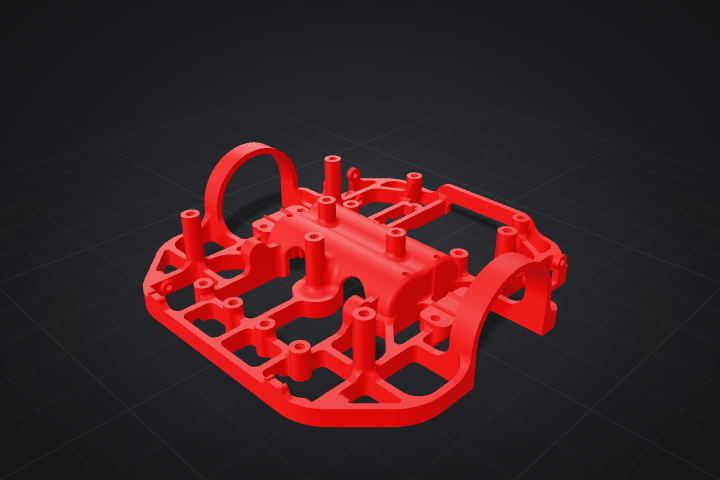
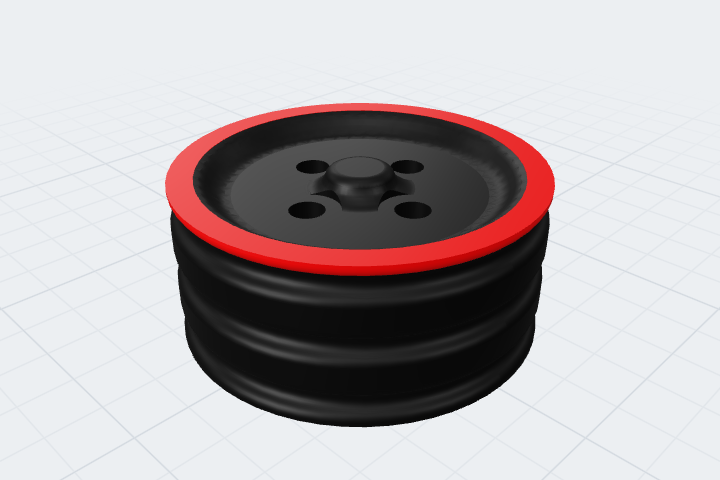
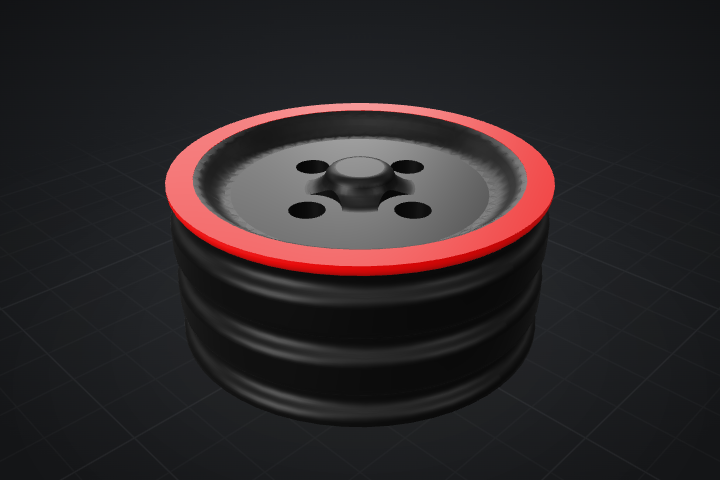
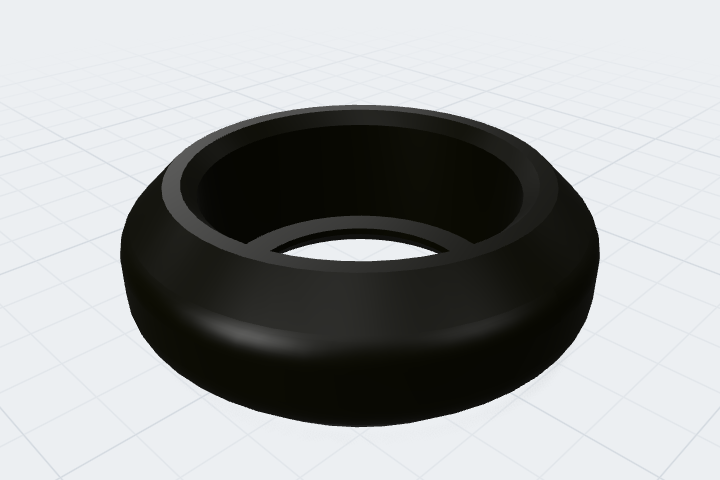
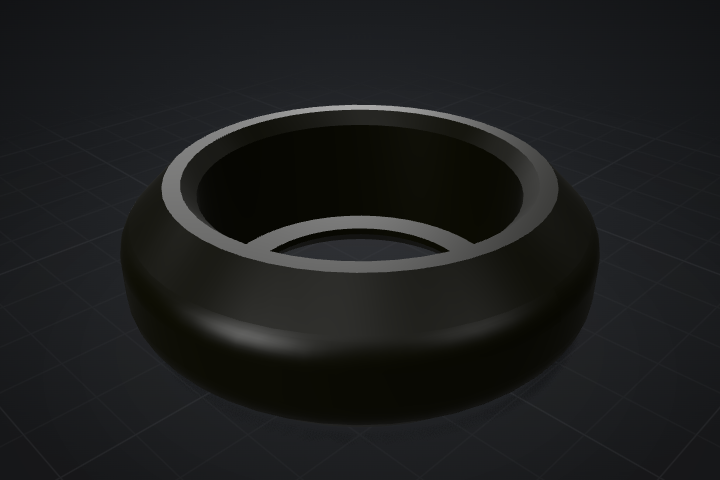
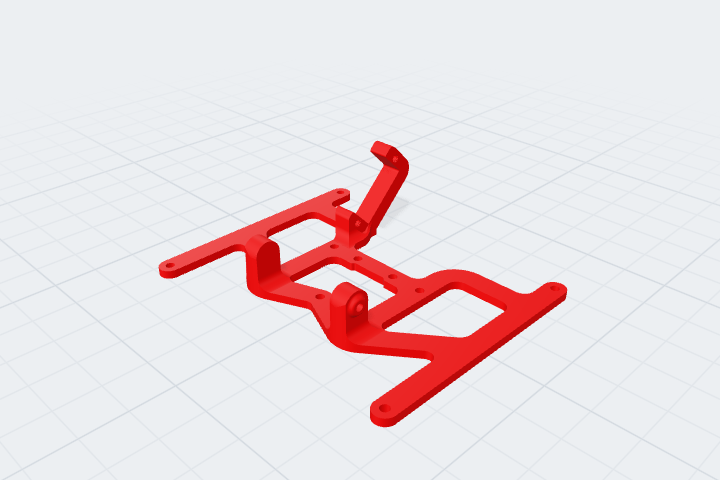
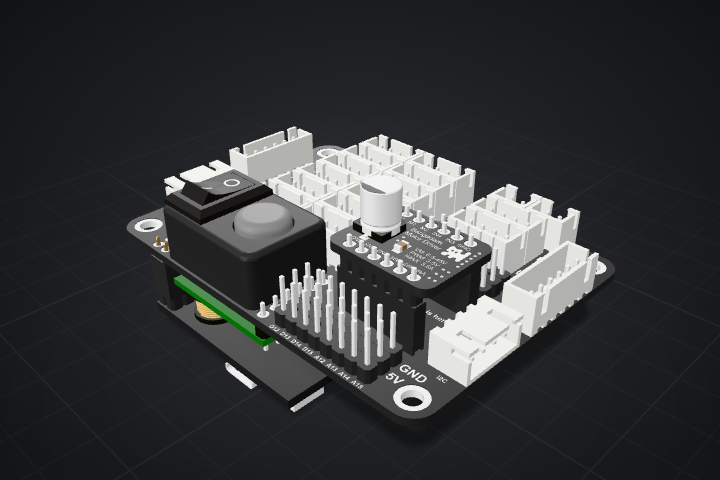
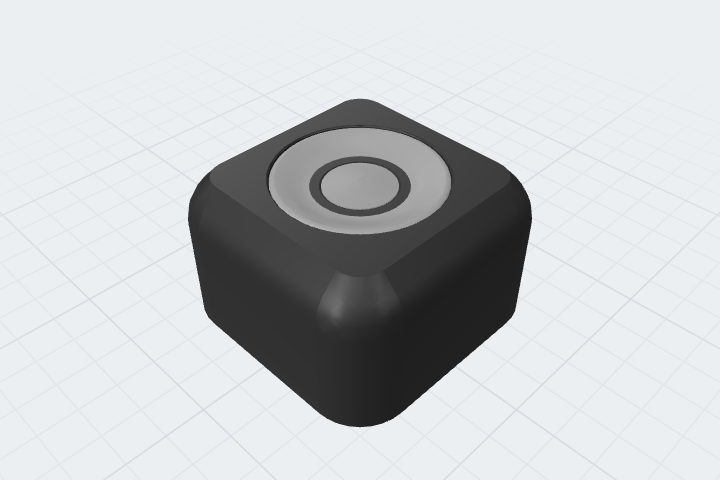
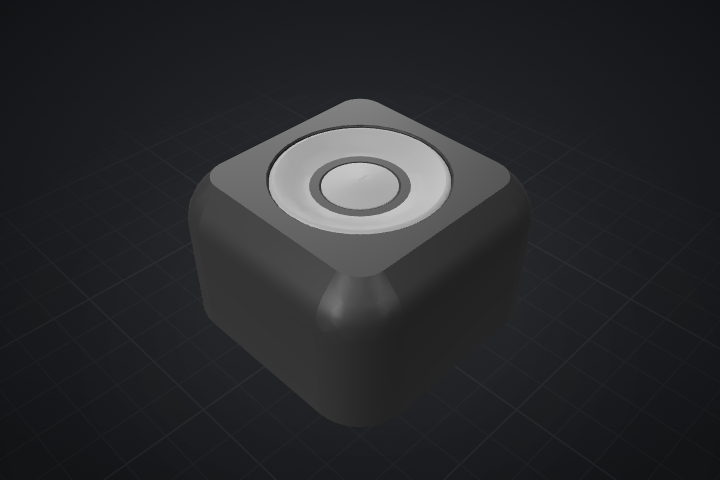
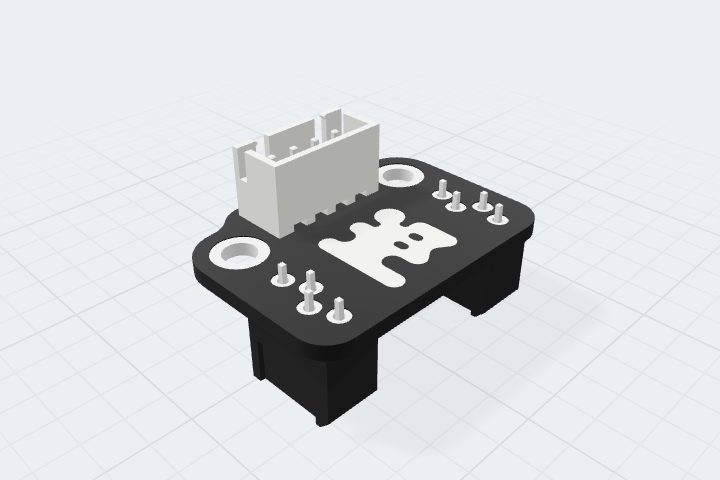
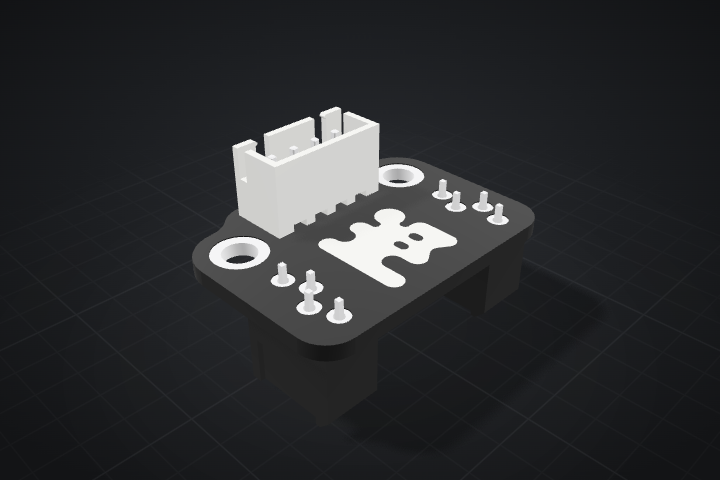
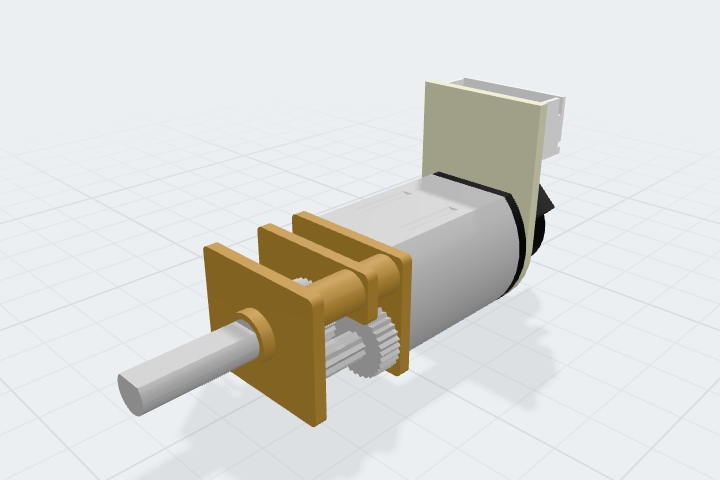
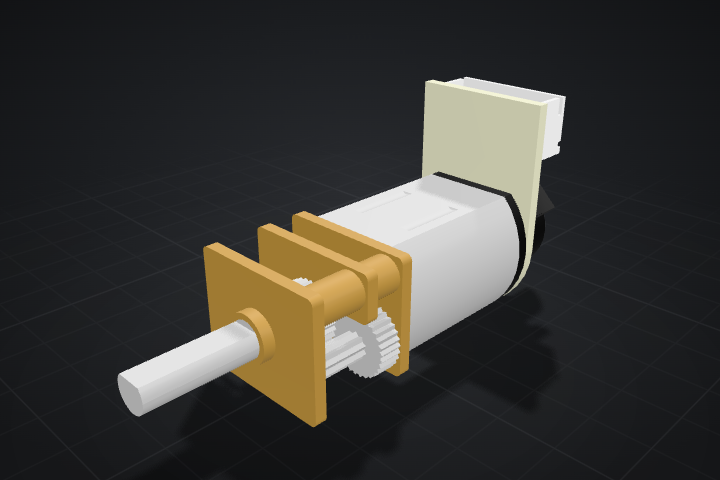
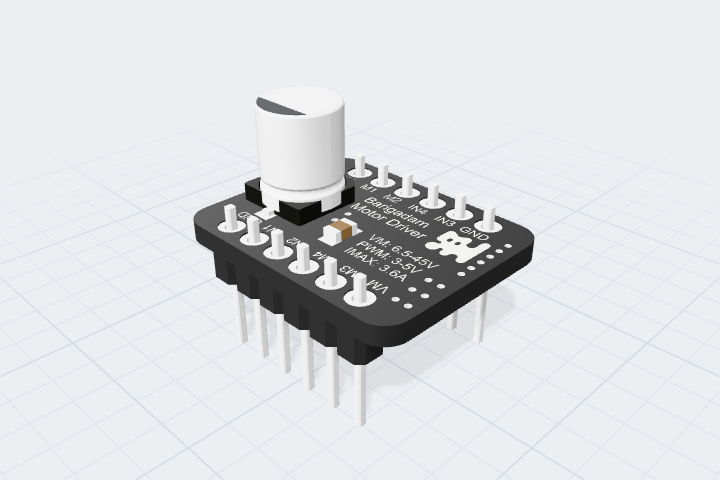
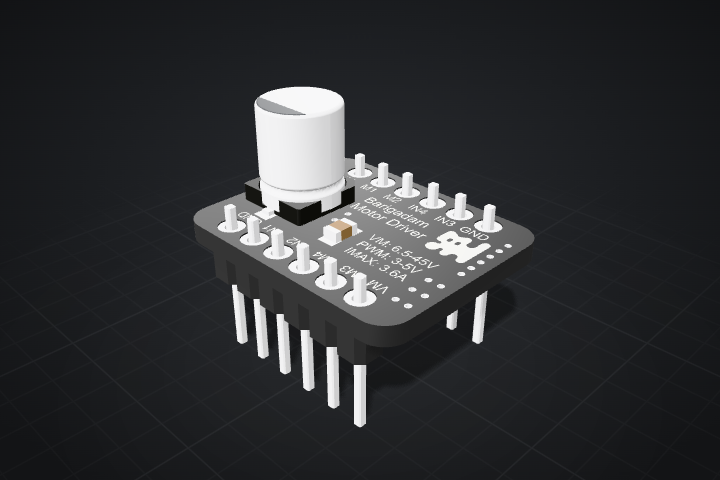
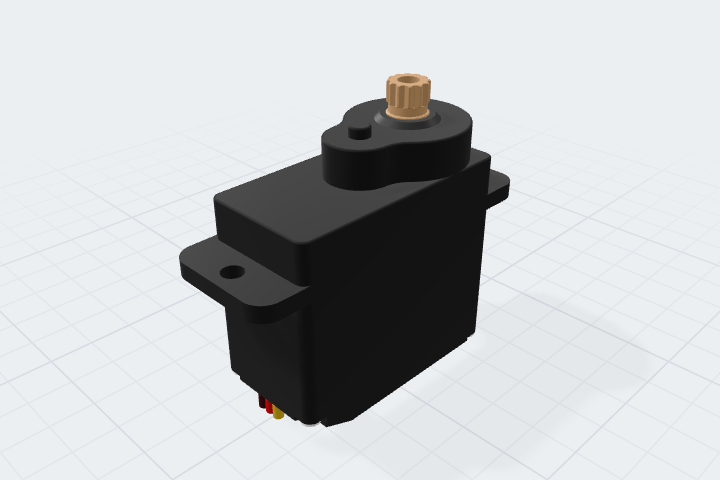
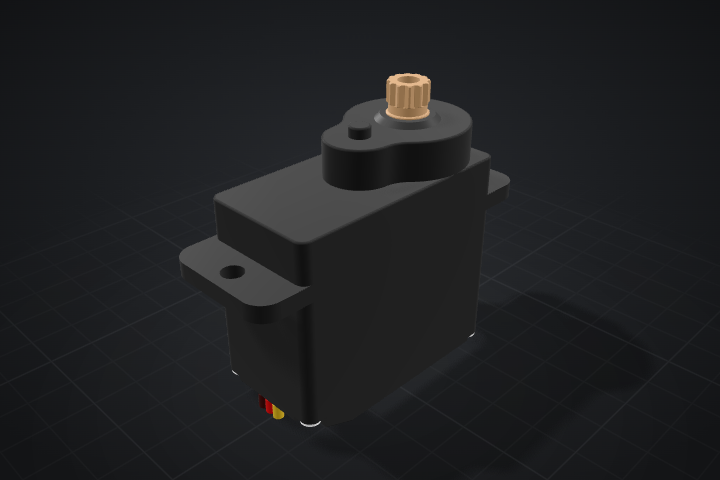
The catalog contains models of Little Robot parts and all Barigadam electronics. Explore, download and design your own additions.
Little Robot
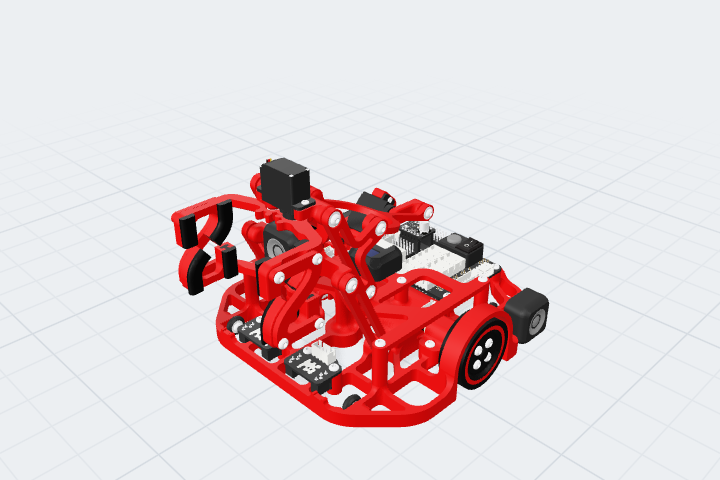
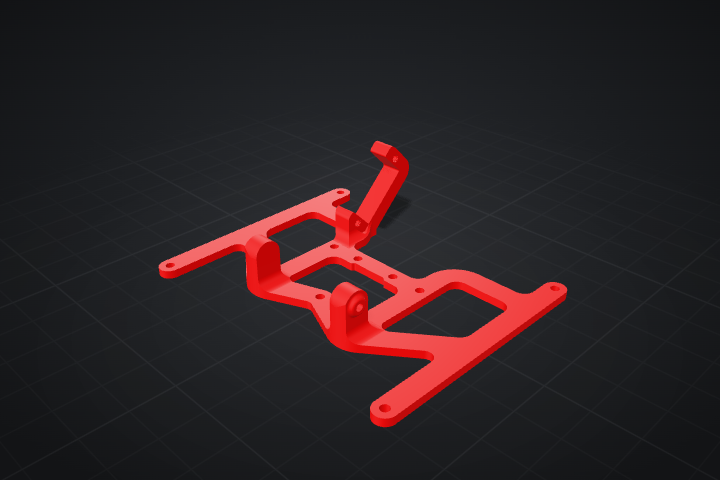
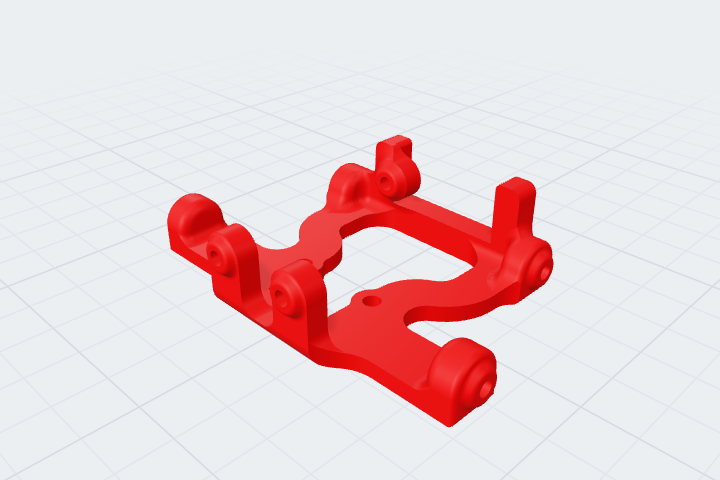
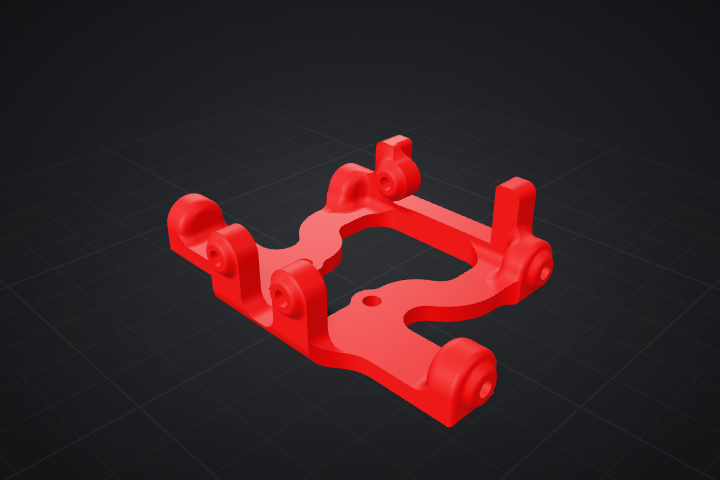
Components
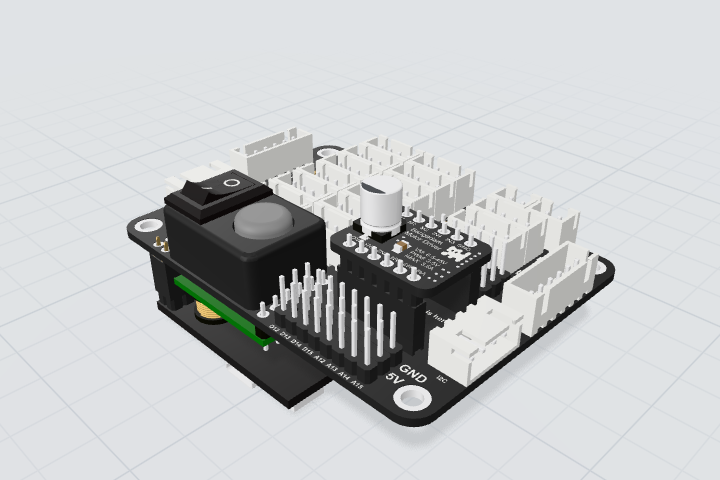
Robot modifications