Build your robot and teach it to complete missions
This course brings together the assembly, setup, and programming instructions for Little Robot. Follow the material in order, from identifying the parts to working with sensors and autonomous movement on the field.
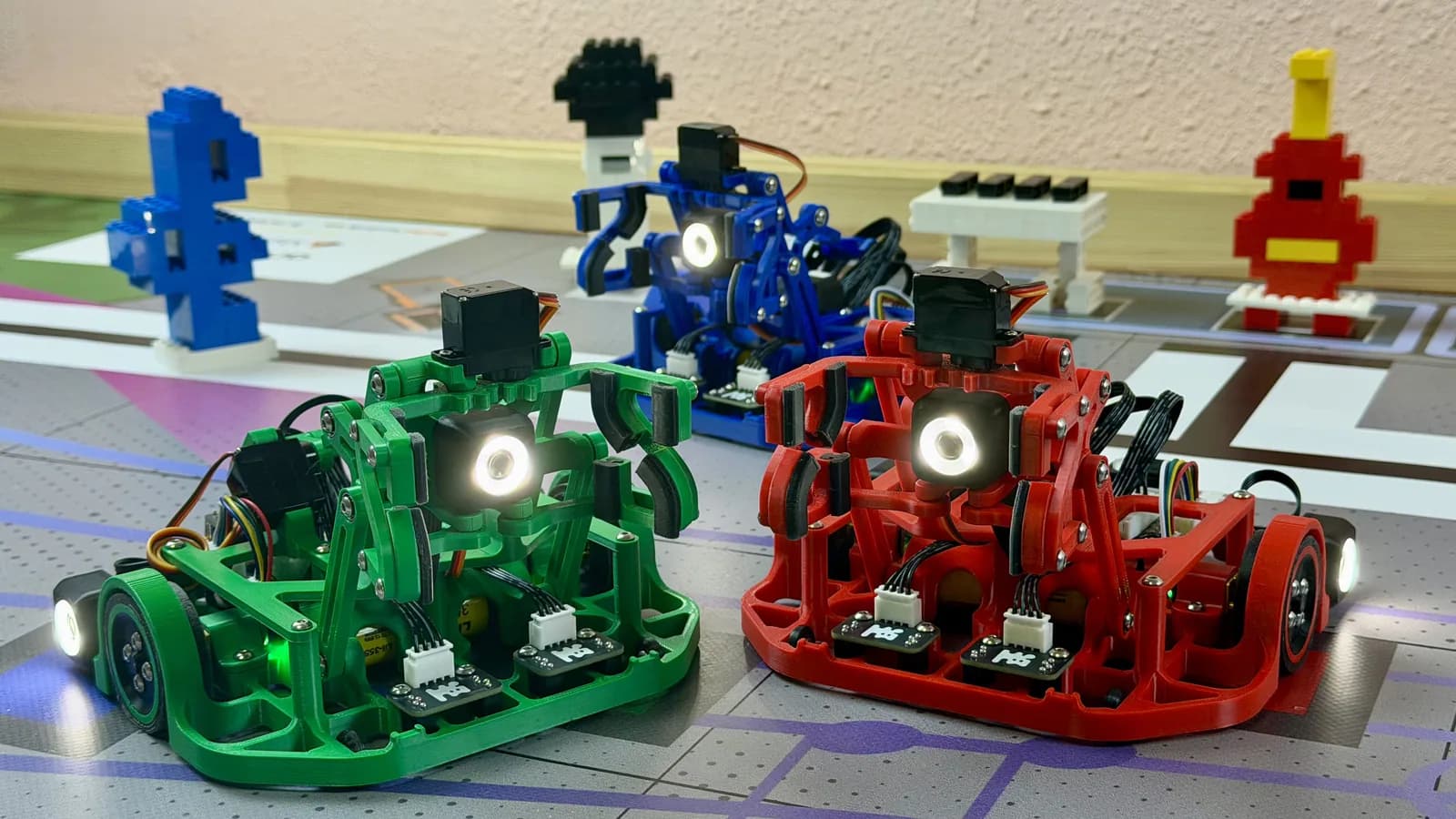
What your robot will learn to do
Throughout the course, individual exercises come together as one autonomous program.
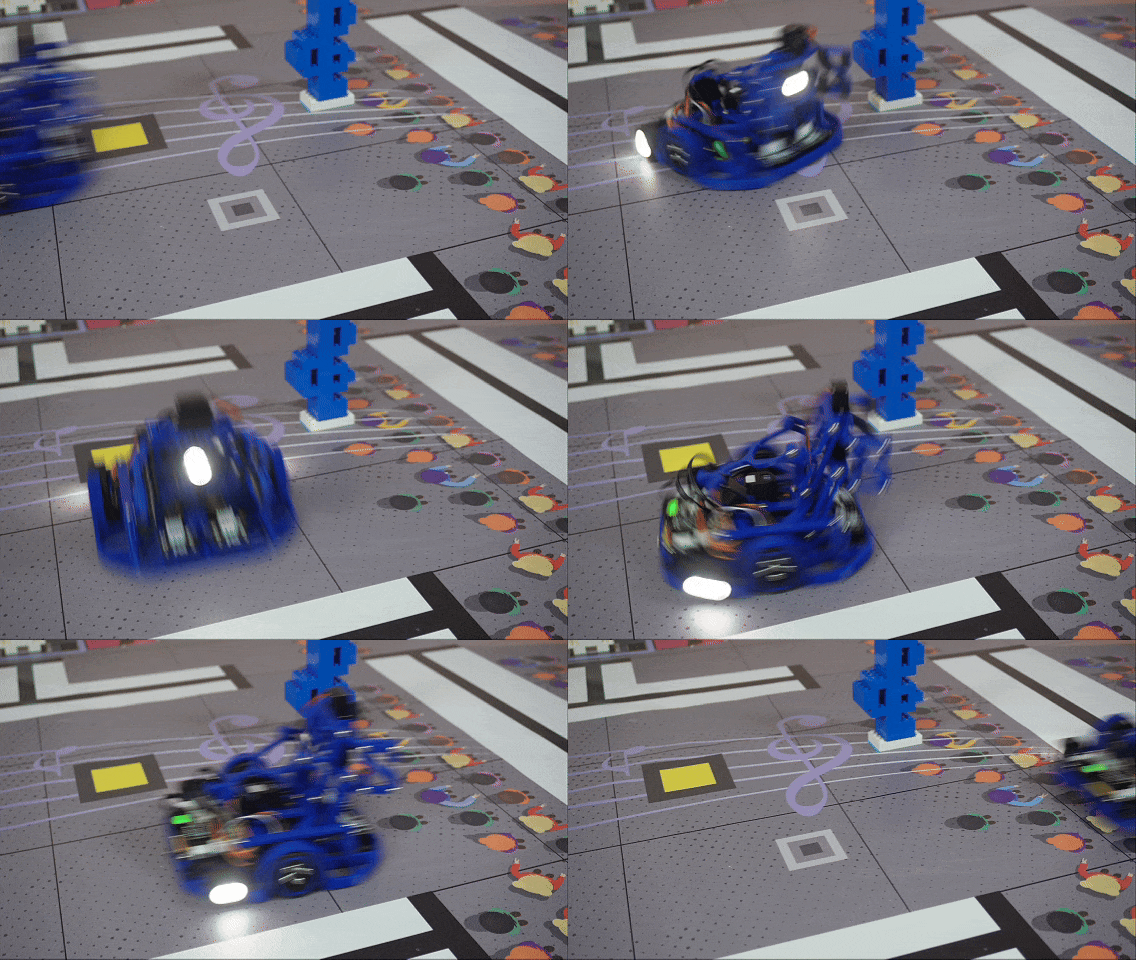
Move with precision
Motors and encoders help the robot travel a set distance and turn to a specified angle.
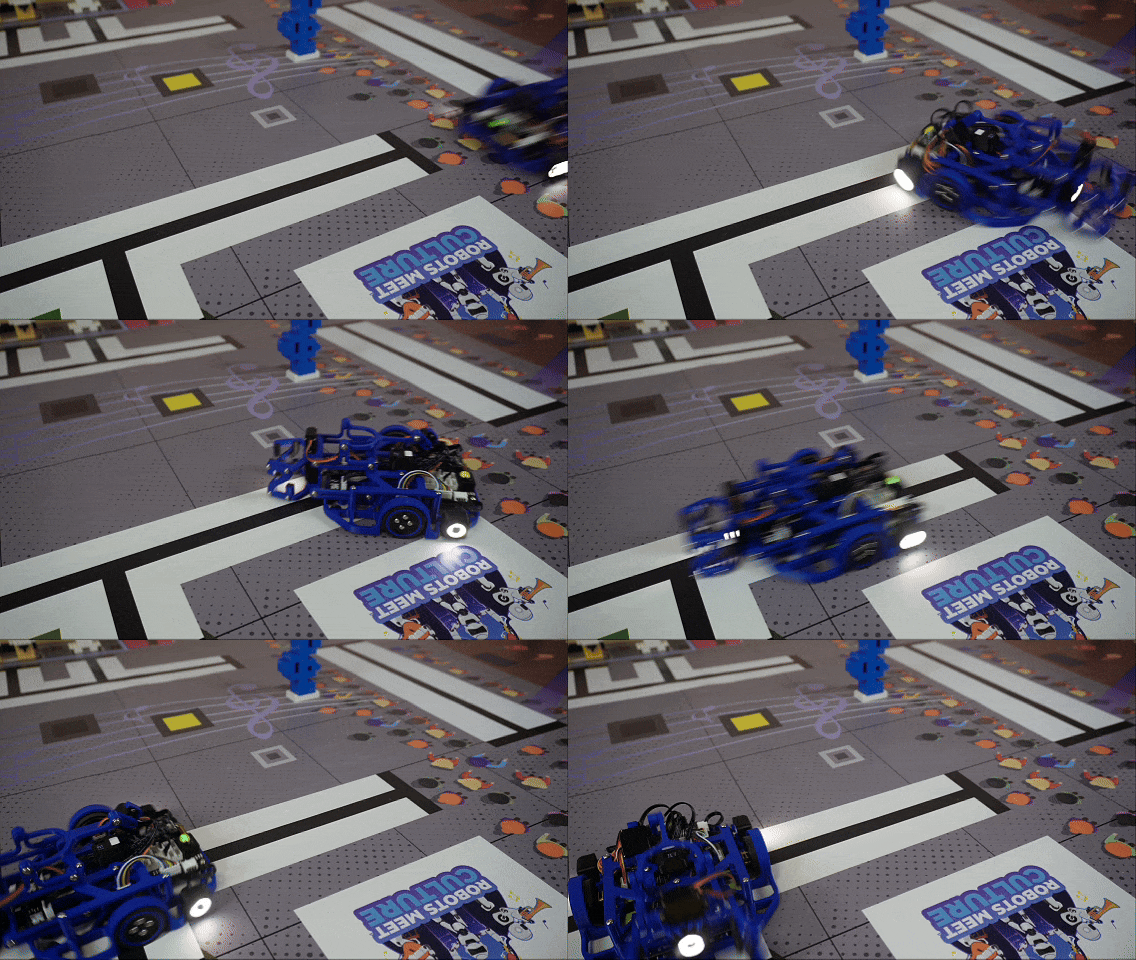
Navigate the field
Line, color, and motion sensors give the robot the information it needs to make decisions.
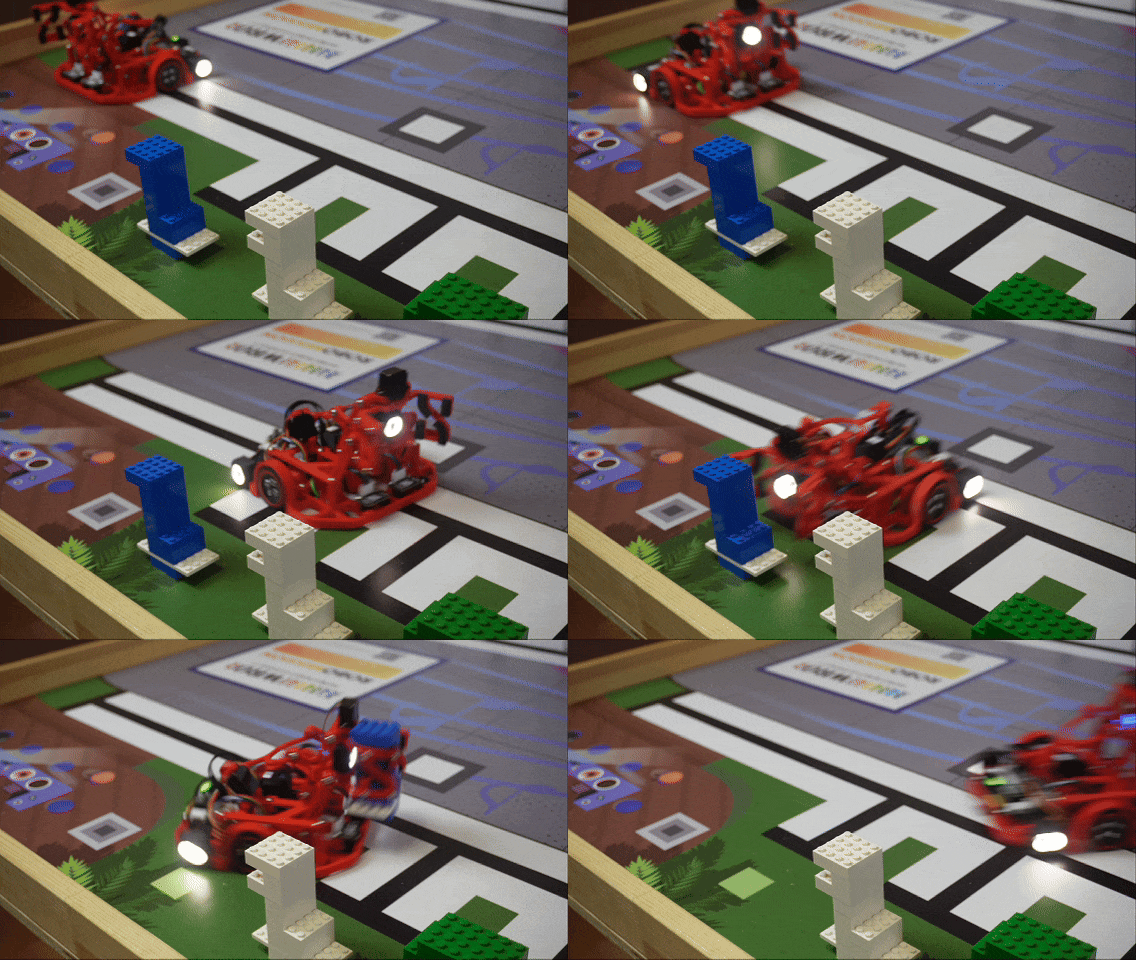
Handle objects
The gripper and elevator let the robot pick up, move, and release objects in the right place.
Follow the course step by step
Start with the kit, assemble the robot, and then prepare your coding environment.
Getting started
Meet the course, check the kit, and prepare a safe place to work.
Assembly
Build the chassis, upper deck, and gripper, then connect all of the robot's systems.
Prepare to code
Install Arduino IDE and add the libraries used throughout the lessons.
Program the robot
Every lesson includes an explanation, working code, and a task to test on the robot.
- 01
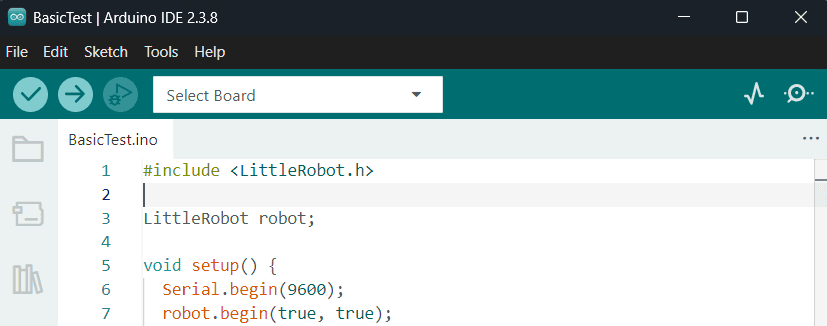
Arduino IDE
Upload your first program to the robot
- 02
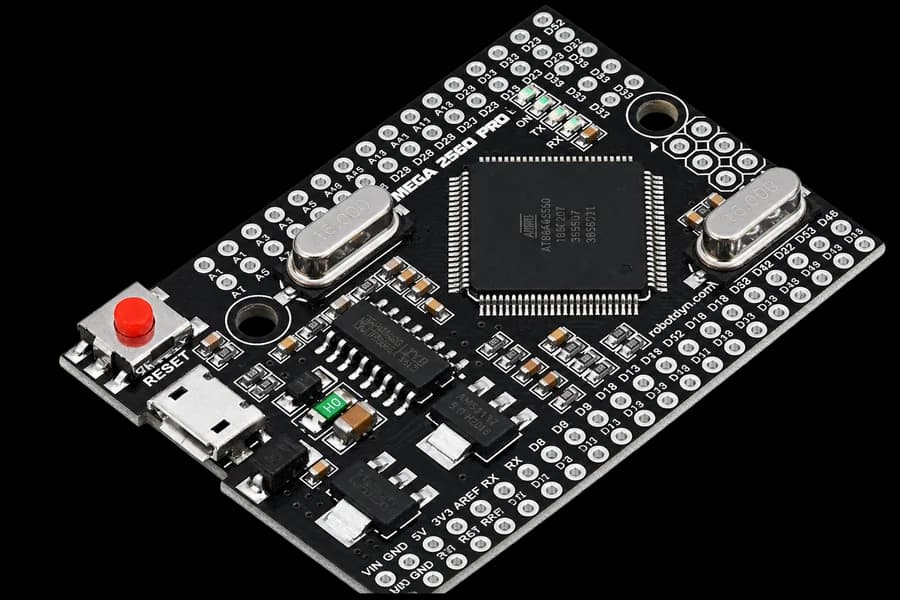
C++ basics
Explore variables, conditions, loops, and functions
- 03
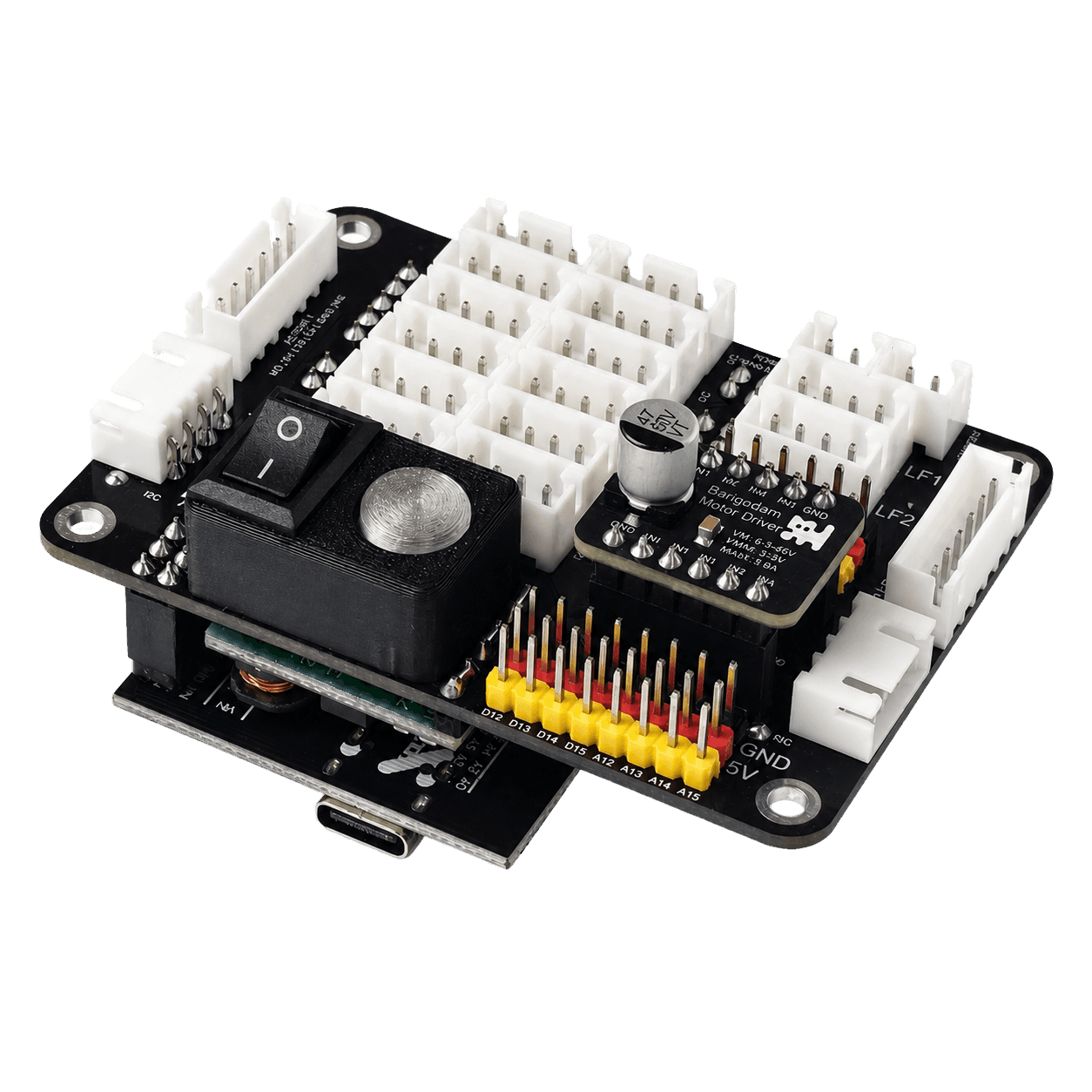
Pins and signals
Learn how modules connect to the Control Deck
- 04
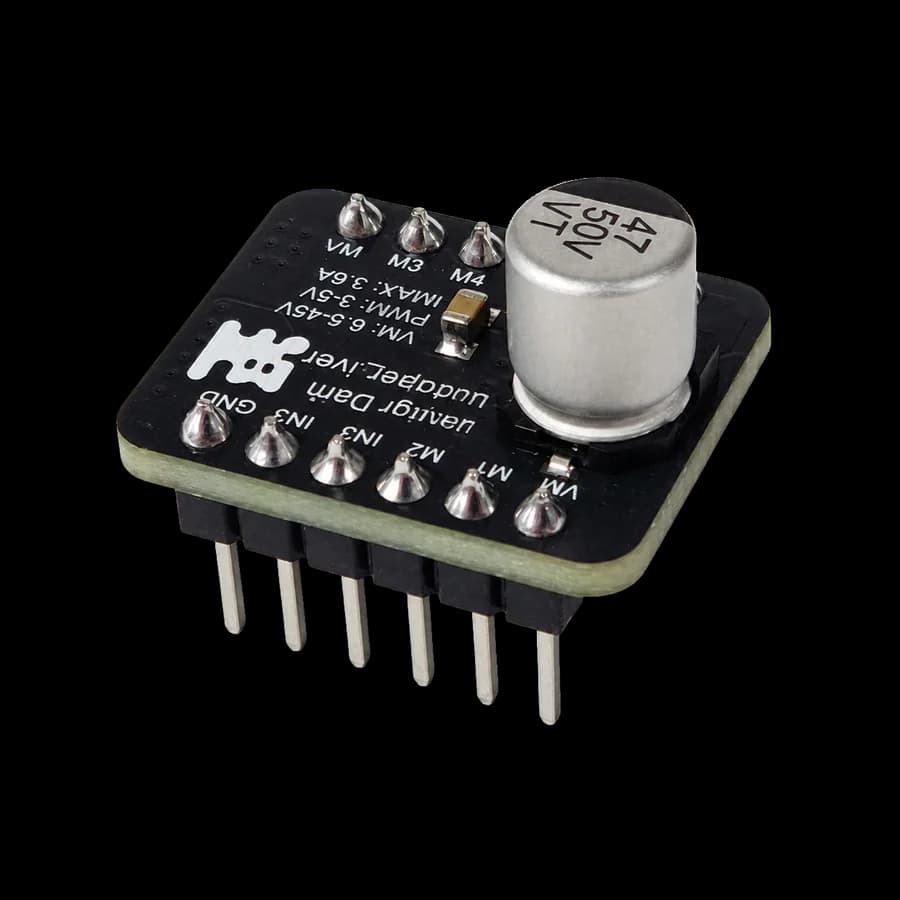
Motors and driver
Start the wheels and control their speed
- 05
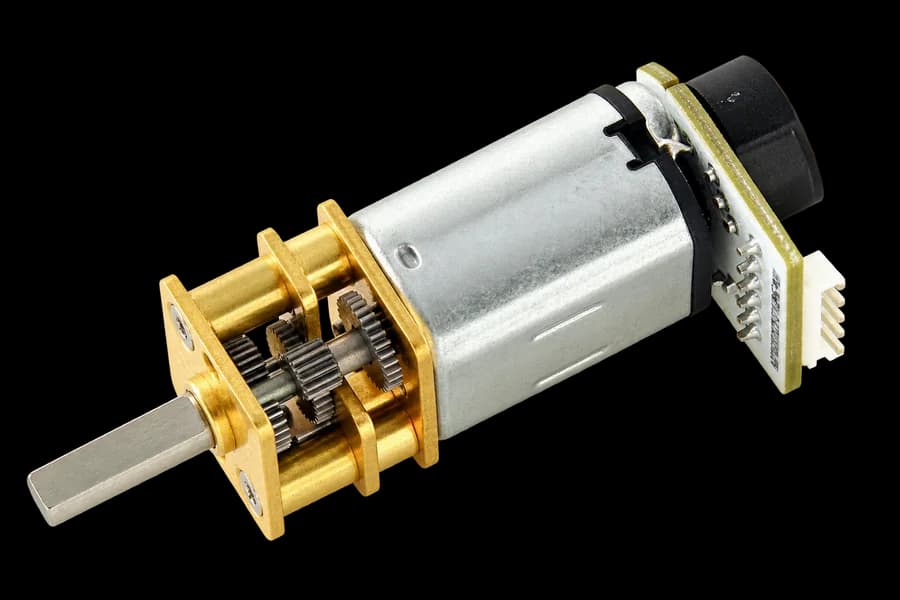
Encoder
Measure distance and make accurate turns
- 06
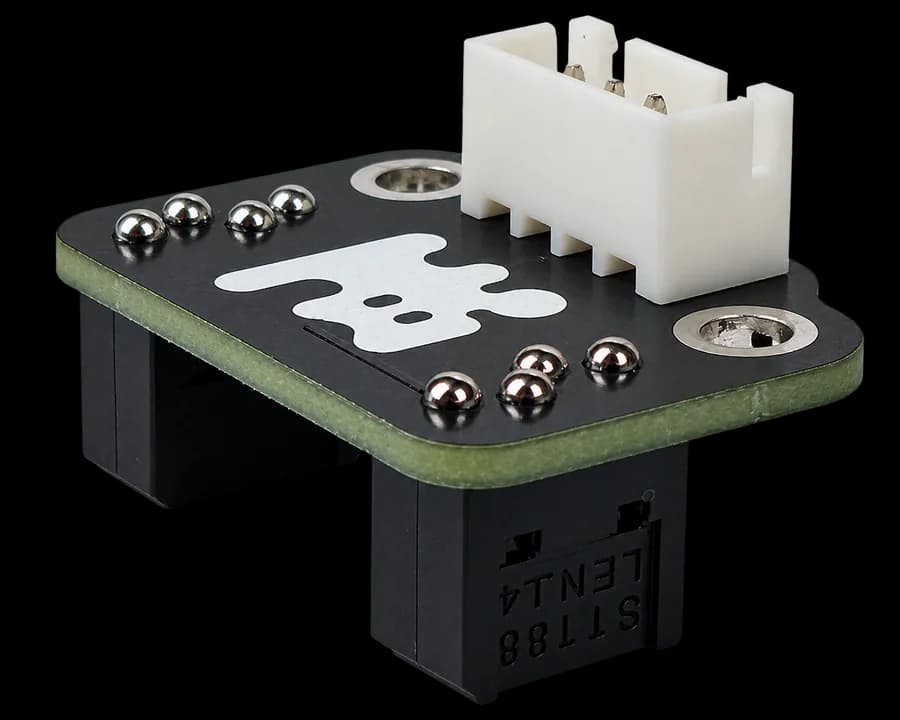
Line sensor
Teach the robot to follow a track
- 07
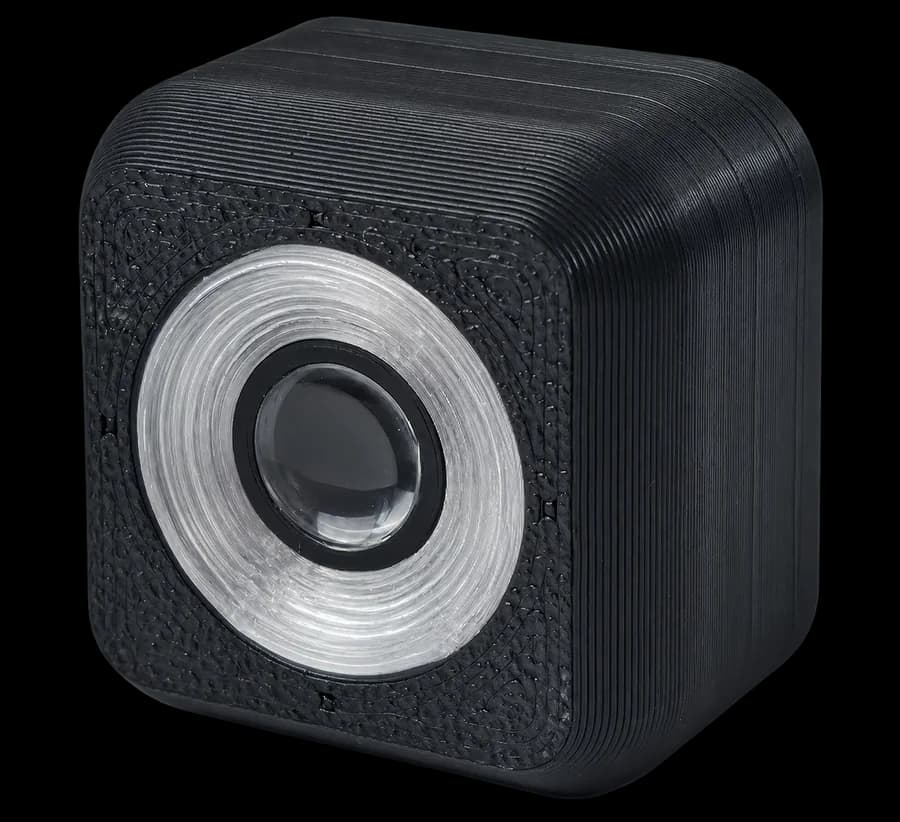
Color sensor
Recognize colors on objects and the field
- 08
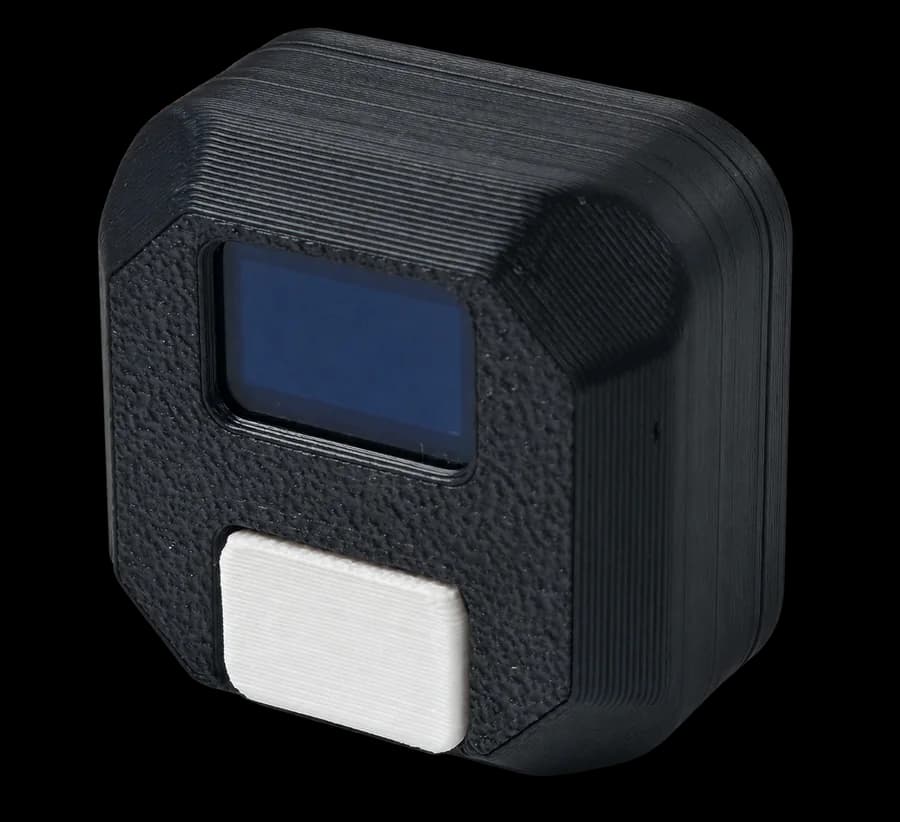
Motion sensor
Control the robot's direction and turning angle
- 09
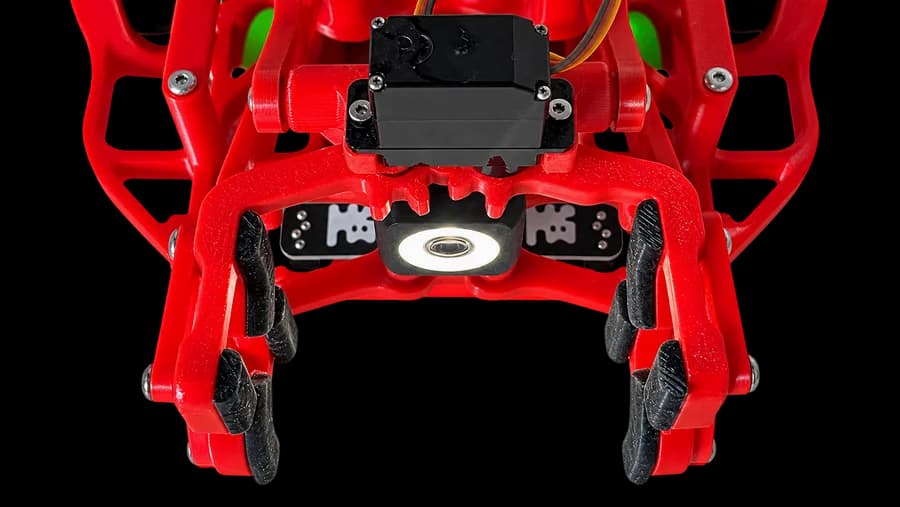
Servo and gripper
Pick up and carry objects
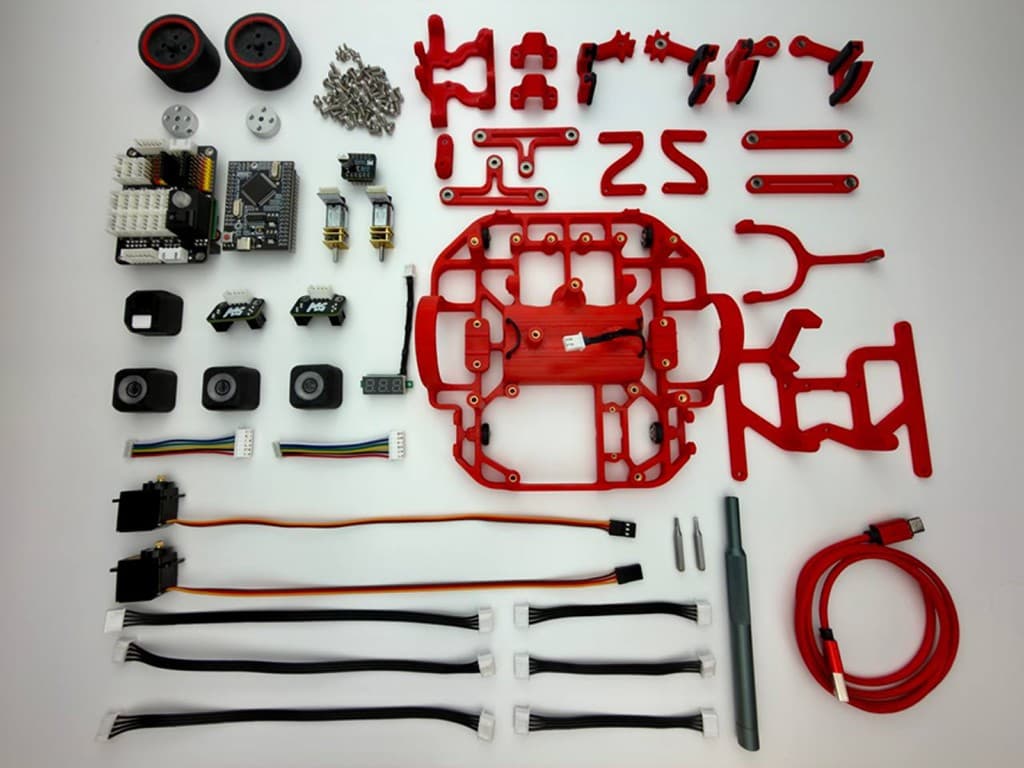
Everything you need to build in one box
The chassis parts, electronics, motors, sensors, and fasteners are selected to work together. The course instructions are designed specifically for this kit.
Reference and help are always close
Check the wiring, find the library function you need, or work through a common problem step by step.